The app
FreeNo app purchase
Start driving with live input overlays and the standard collection.
- Standard controller and wheel overlays
- Mouse + Keyboard overlay
- Input Graph and adjustable readouts
YORIICHI puts controller, wheel, mouse and keyboard inputs on screen while you drive. Choose an overlay, move it out of the way of your view, and size it to fit your setup.
Free app. Optional custom skins for US$10.
Button presses and sticks Steering and pedals An optional input graph
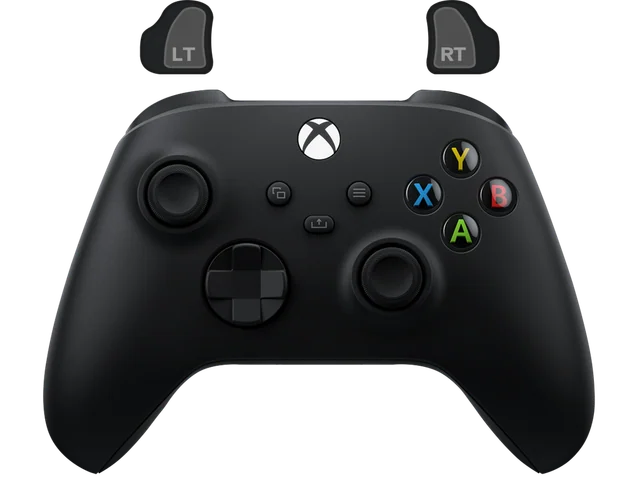
Start with a standard controller or wheel, or see how a custom skin changes the look.
Included overlay with responsive live input feedback.
 01 / 13
The overlays in the standard collection are included. A skin made for your own controller or wheel is optional.
Start driving with live input overlays and the standard collection.
Your colors, your name, your theme. A controller or wheel skin made for you.
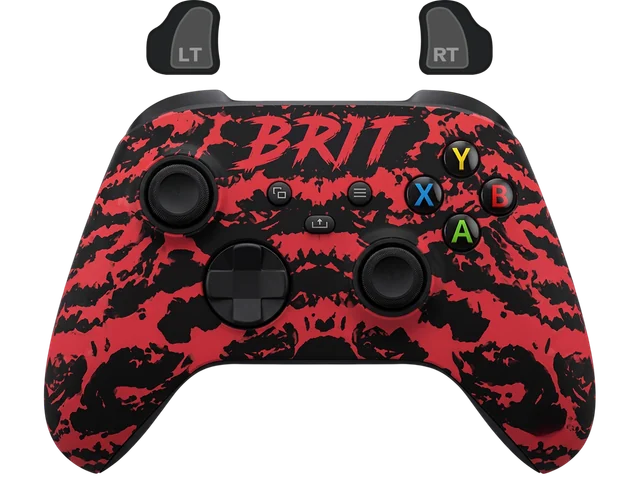
Different controllers, different owners, different ideas. These are some of the skins in the YORIICHI collection.
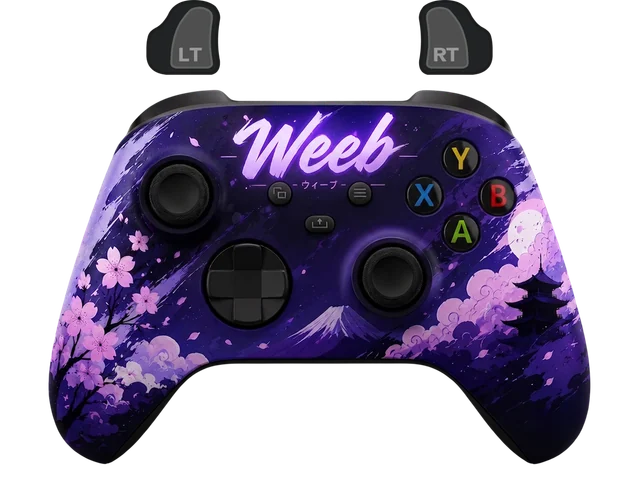
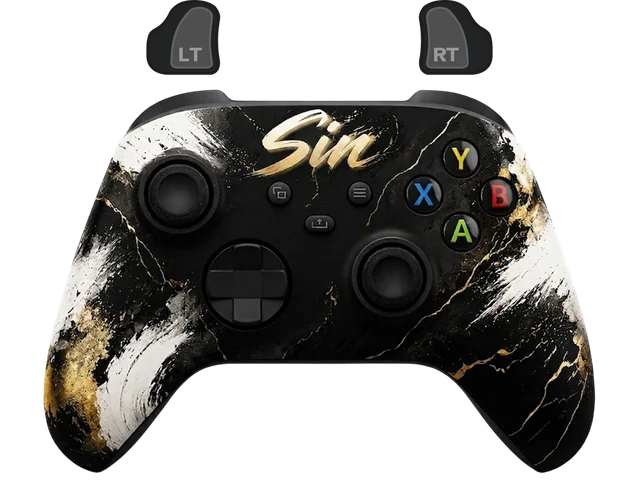
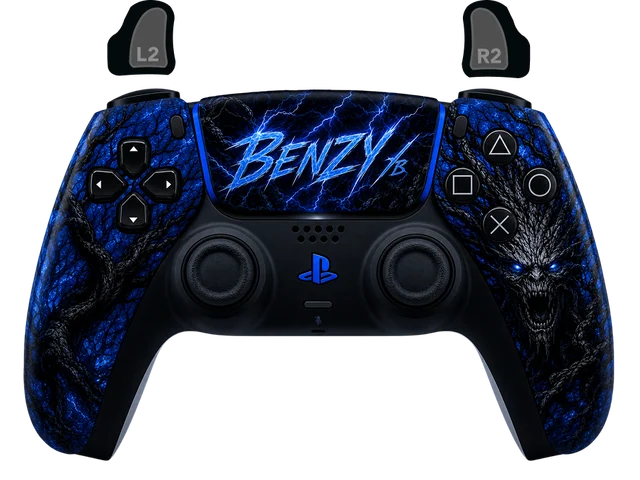
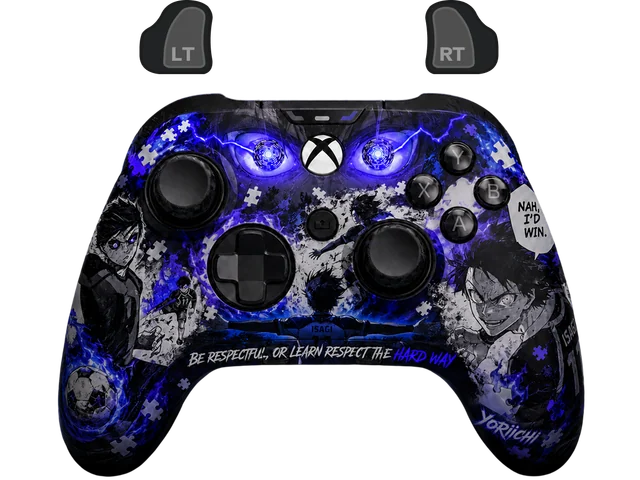
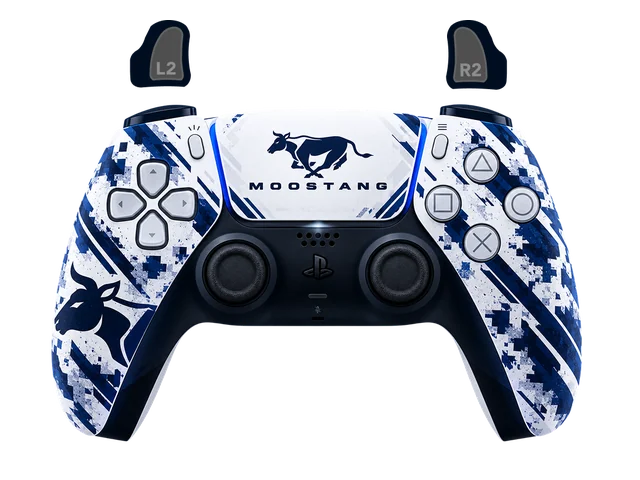
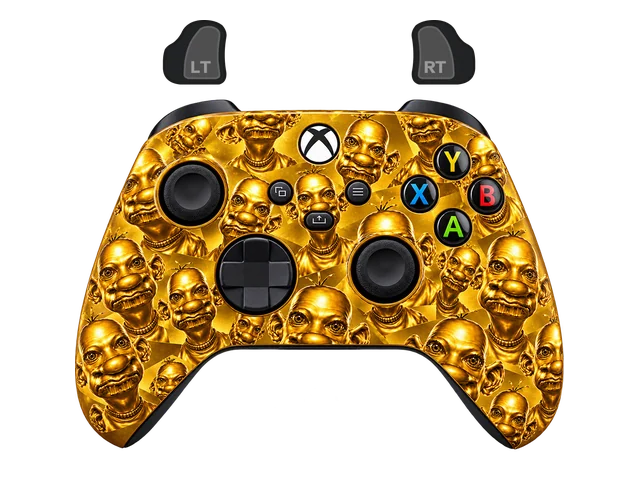
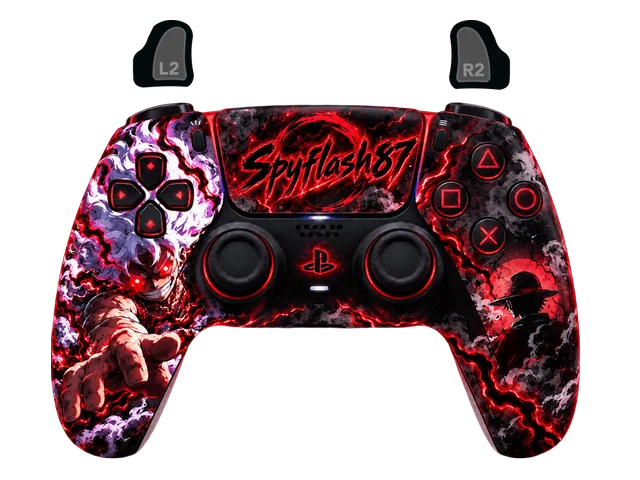
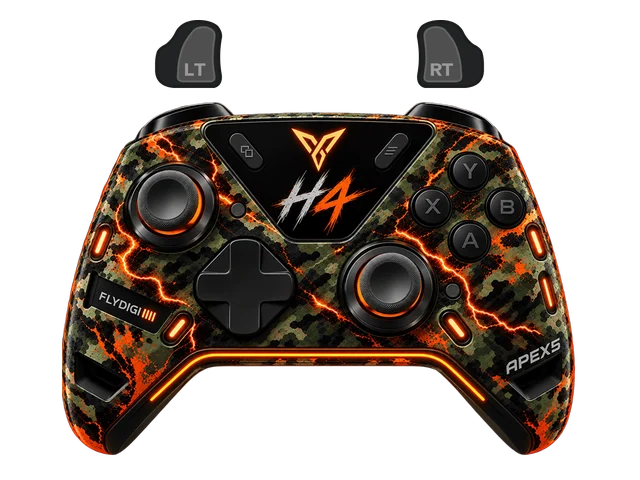
Tell us the model, colors and details you want. We’ll put together a private preview for you to review.
Create an account, verify your email, then follow the install guide in the customer portal. In Assetto Corsa CSP, open YORIICHI and choose the overlay you want to use.